


Presentation Design

Web Developer

Book/ebook Design

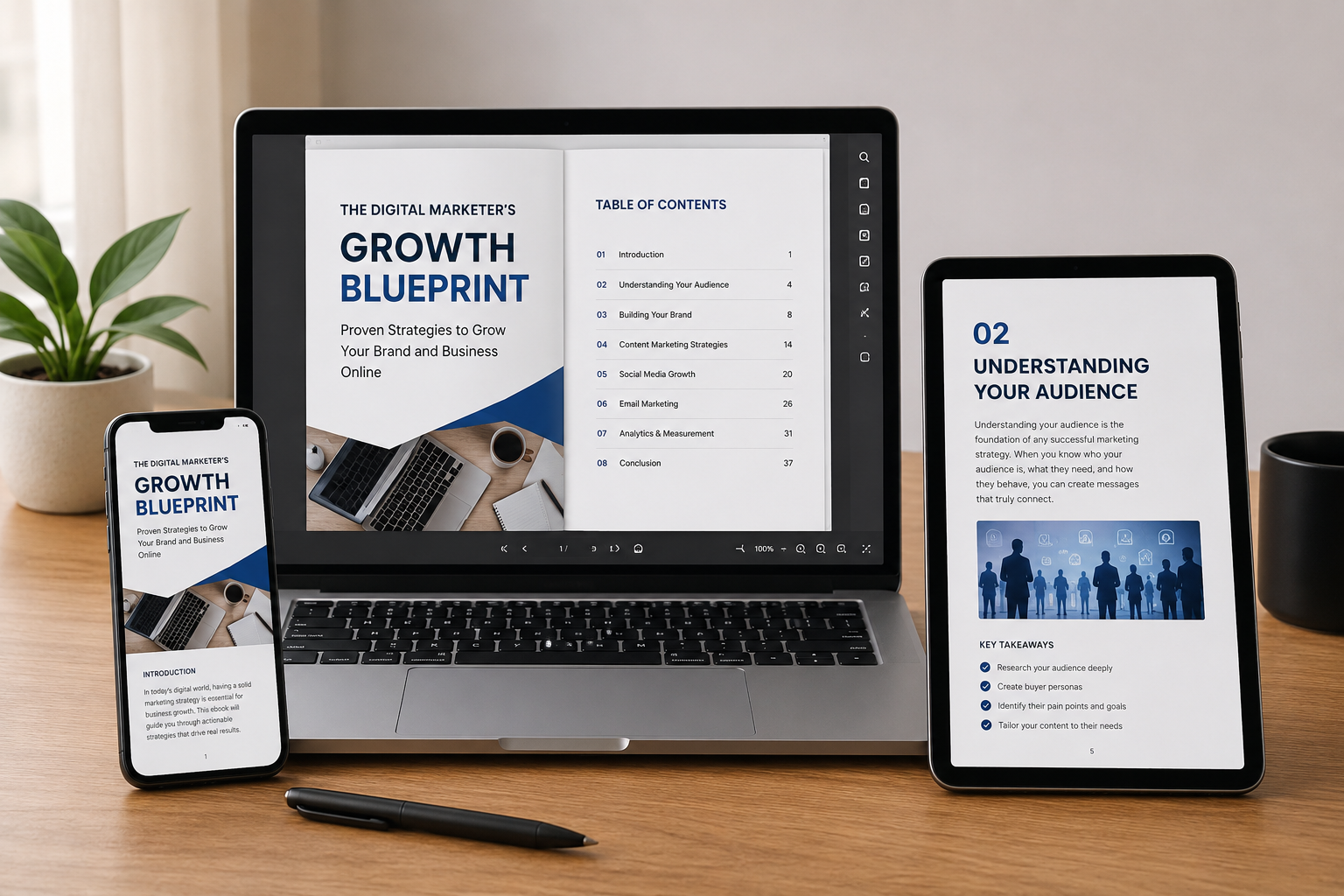
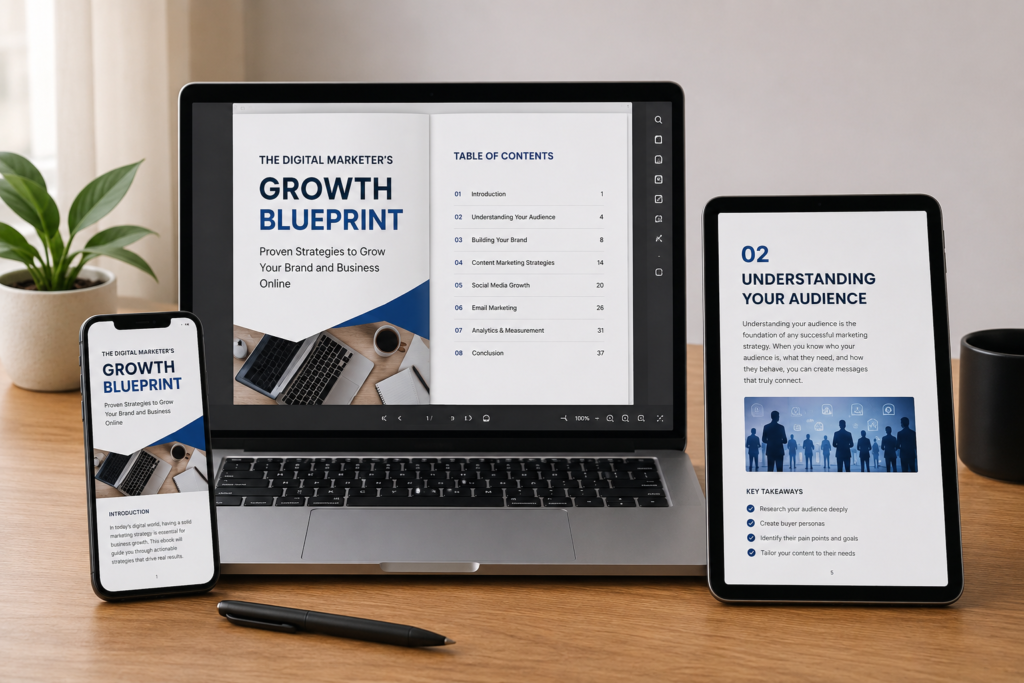
Everything you need to plan, design, build, and publish an interactive ebook that captivates readers and drives real results — no coding degree required
Interactive ebooks are no longer a novelty, they are the new standard for digital content that educates, sells, and engages. Whether you are an author, marketer, educator, or entrepreneur, this guide will walk you through every stage of the process, from your first idea to your first sale.
Think about the last time a PDF truly wowed you. Probably not recently. But an ebook with embedded videos, quizzes, clickable chapters, animated charts, and audio narration? That is the kind of content people bookmark, share, and pay for. Interactive ebooks hold attention in a world that has almost none to spare.
This guide covers everything: what interactive ebooks actually are, which tools to use, how to plan and design them, how to add interactivity, and how to publish and monetize your finished product. Let’s get into it.
Interactive ebooks are no longer a novelty, they are the new standard for digital content that educates, sells, and engages. Whether you are an author, marketer, educator, or entrepreneur, this guide will walk you through every stage of the process, from your first idea to your first sale.
Foundation
An interactive ebook is a digital publication that goes beyond static text and images. Unlike a traditional ebook, an interactive ebook allows readers to engage directly with the content clicking, tapping, answering, watching, and navigating in ways that feel alive.
KEY INSIGHT:
Research consistently shows that interactive content generates 2× more engagement than passive content. For educators, interactivity has been linked to significantly better knowledge retention.
Step 1
Every decision you will make tone, format, tools, length, interactivity level flows from two foundational questions: Who is this for? and What should they walk away knowing or doing?
Interactive ebooks serve many different goals. A lead magnet for a marketing funnel looks nothing like a course companion for university students. Being specific here saves you enormous time later.
Step 2
The most versatile format. Built with HTML, CSS, and JavaScript, these ebooks run in any modern browser. They support the widest range of interactive features — animations, embedded video, forms, quizzes, and analytics. This is the recommended format for most use cases.
The open ebook standard that supports embedded media, JavaScript, and audio/video. Compatible with Apple Books, Kobo, and many dedicated e-readers. Ideal if you want to sell through major ebook stores.
Adobe Acrobat allows you to add clickable links, fillable forms, and bookmarks. The easiest entry point if you already work in Adobe tools, though interactivity is limited compared to HTML5.
Important
If your audience reads on e-ink Kindle devices, true interactivity is very limited. Plan for tablet or desktop readers for the richest experience.
Step 3
Paid
Drag-and-drop editor for stunning HTML5 ebooks with built-in analytics. Best for marketing and business content.
Paid
Drag-and-drop editor for stunning HTML5 ebooks with built-in analytics. Best for marketing and business content.
Freemium
Desktop software that exports to EPUB3, HTML5, Android, iOS. Excellent for educational content with quizzes.
Design in Canva, upload to Issuu for a polished flipbook with clickable links and embedding.
Industry-standard for layout. Export to interactive PDF or EPUB3. Pairs with Adobe Animate for rich media.
Beginner-friendly design tool ideal for visually rich ebooks combined with a distribution platform.
Excellent for prototyping interactions before you build. Free for individuals.
Open-source framework for quizzes, timelines, and interactive videos. Embeds in WordPress and Moodle.